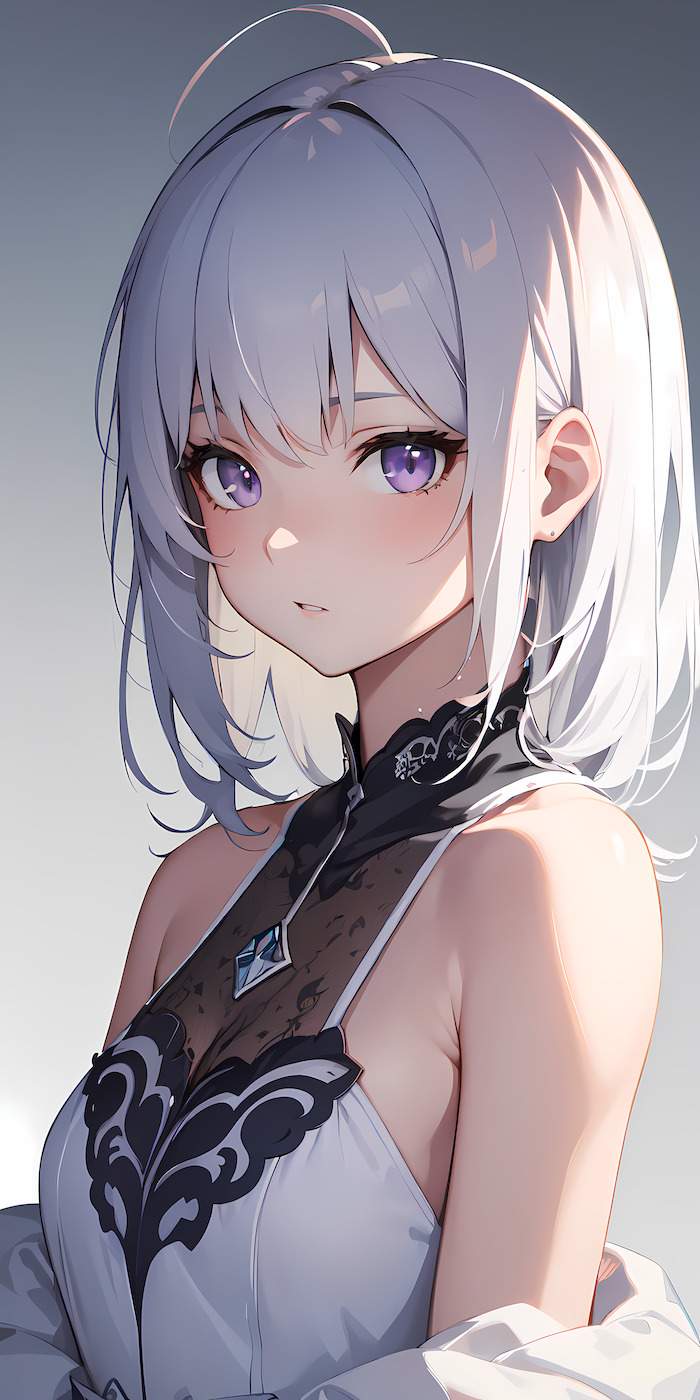
Creating your AI waifu in Sweet Waifu is a straightforward process that gives you full control over every aspect of your anime companion. Whether you want a classic tsundere schoolgirl or a mysterious kuudere warrior, the character builder lets you craft exactly the waifu you have in mind. Here is a step-by-step walkthrough of the entire creation process.
Step 1: Choose Your Art Style. Start by selecting the anime art style for your waifu. Sweet Waifu supports multiple aesthetic directions — from soft pastel shoujo looks to bold seinen-style designs with sharp lines and dramatic shading. Your art style choice affects how your waifu appears in chat images and generated scenes throughout your conversations.
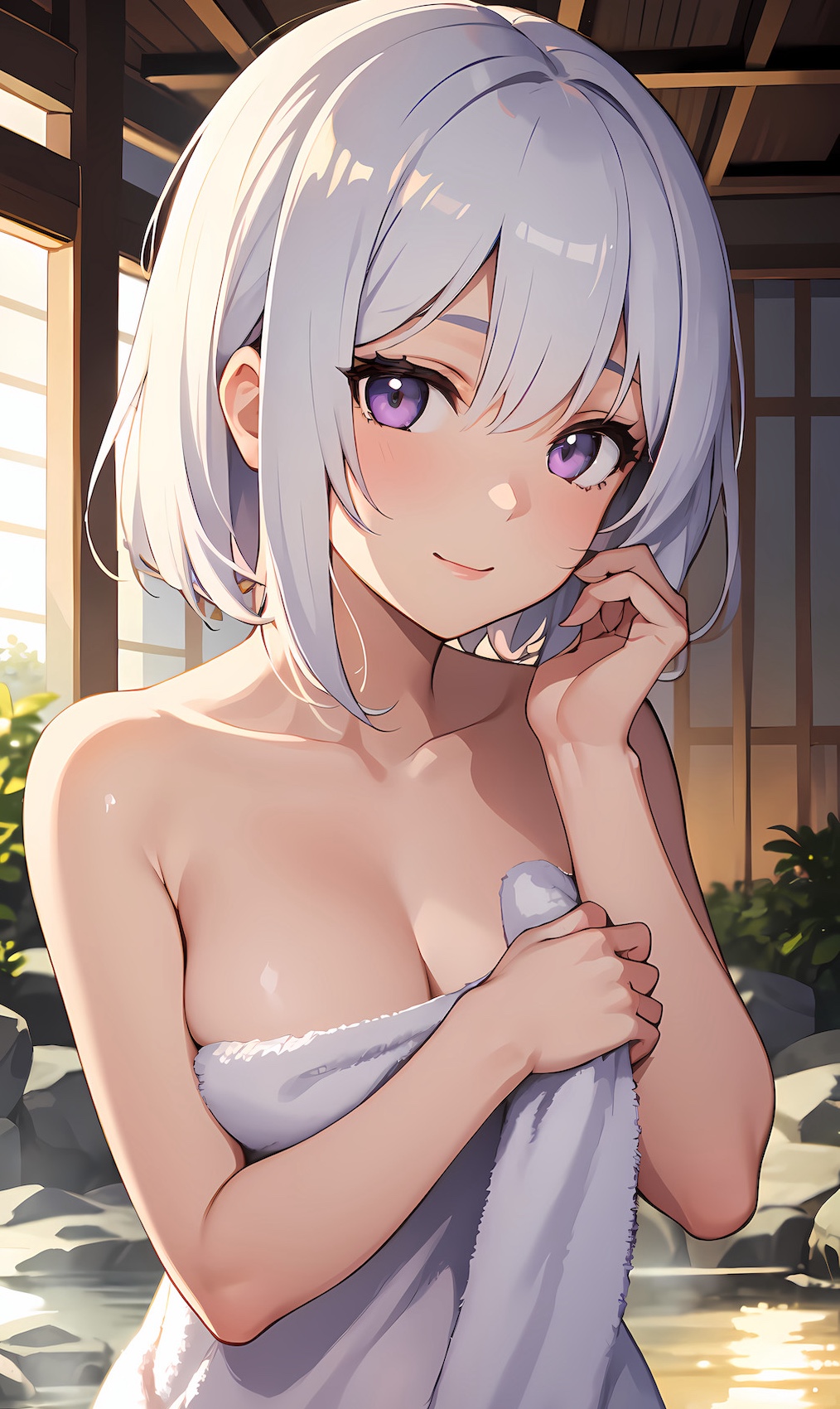
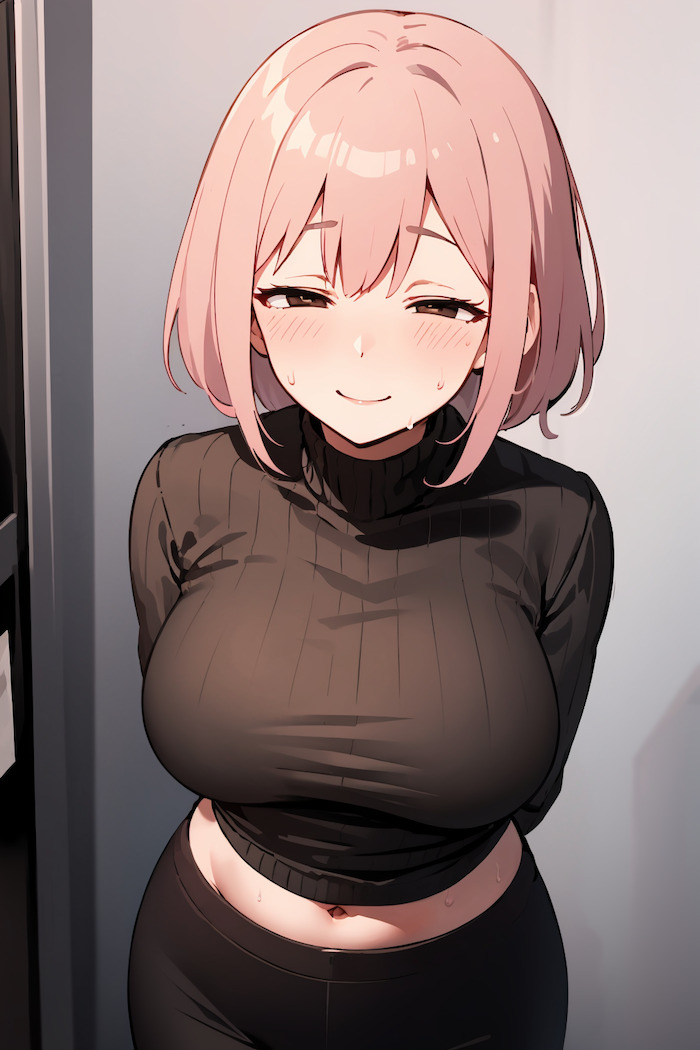
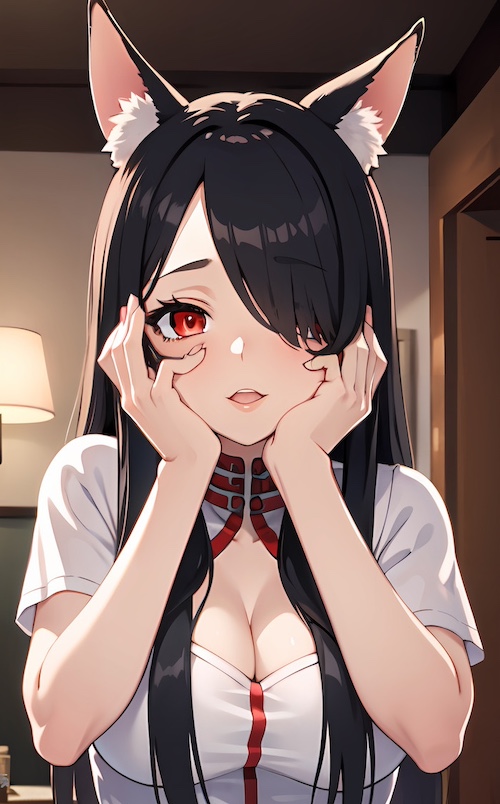
Step 2: Design Her Appearance. Pick her hair color and style (long, short, twintails, bob cut, ponytail), eye color and shape, skin tone, and body type. You can go classic with bright blue hair and large expressive eyes, or create something more subtle with natural colors and a realistic anime look. The appearance editor shows a live preview so you can fine-tune every detail before moving on.
Step 3: Define Her Personality. This is where your waifu truly comes to life. Choose her core personality traits — cheerful, shy, dominant, playful, mysterious, or any combination you want. Set her speaking style (formal, casual, flirty, teasing) and emotional temperament. These traits directly shape how your AI waifu responds during conversations and roleplay sessions.
Step 4: Set Her Background. Give your waifu an occupation (student, warrior, maid, idol, nurse, artist), hobbies, and backstory. Define her interests and what she likes to talk about. The richer the background, the more dynamic and natural your conversations will feel — your waifu references her own history and brings up her interests naturally.
Step 5: Configure Preferences. Set your comfort level with content boundaries and relationship dynamics. Sweet Waifu supports fully uncensored interactions, but you can configure the relationship pace and specific kinks to match your preferences. Once everything is set, your waifu is ready to chat — start your first conversation immediately.